Following are the setups to get Facebook app id.
Step 1:
Search Meta for Developers on google.

Step 2:
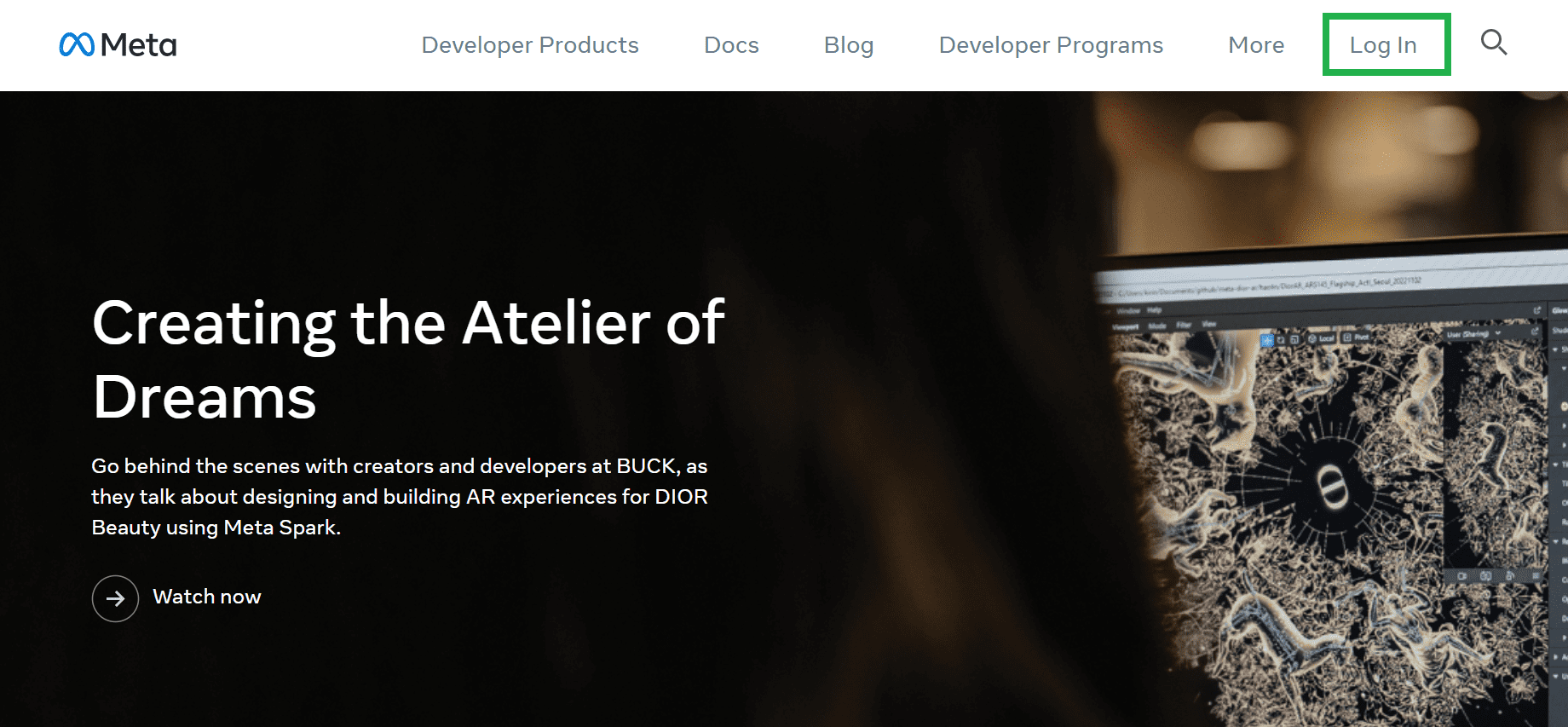
Click on Login in option from the meta for developers page, where you need to login with your Facebook account.
Step 3:
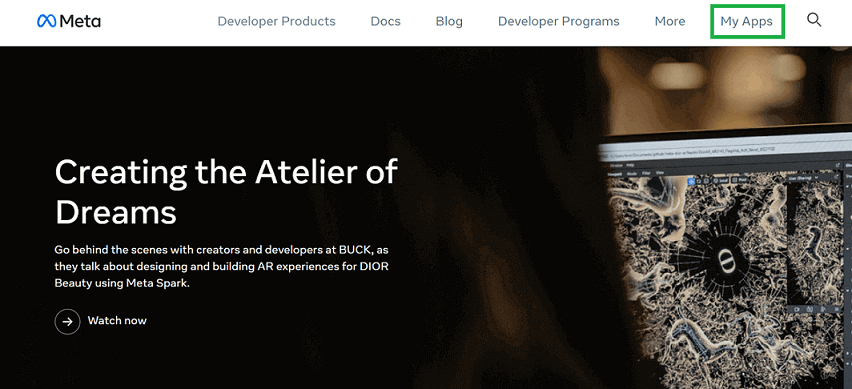
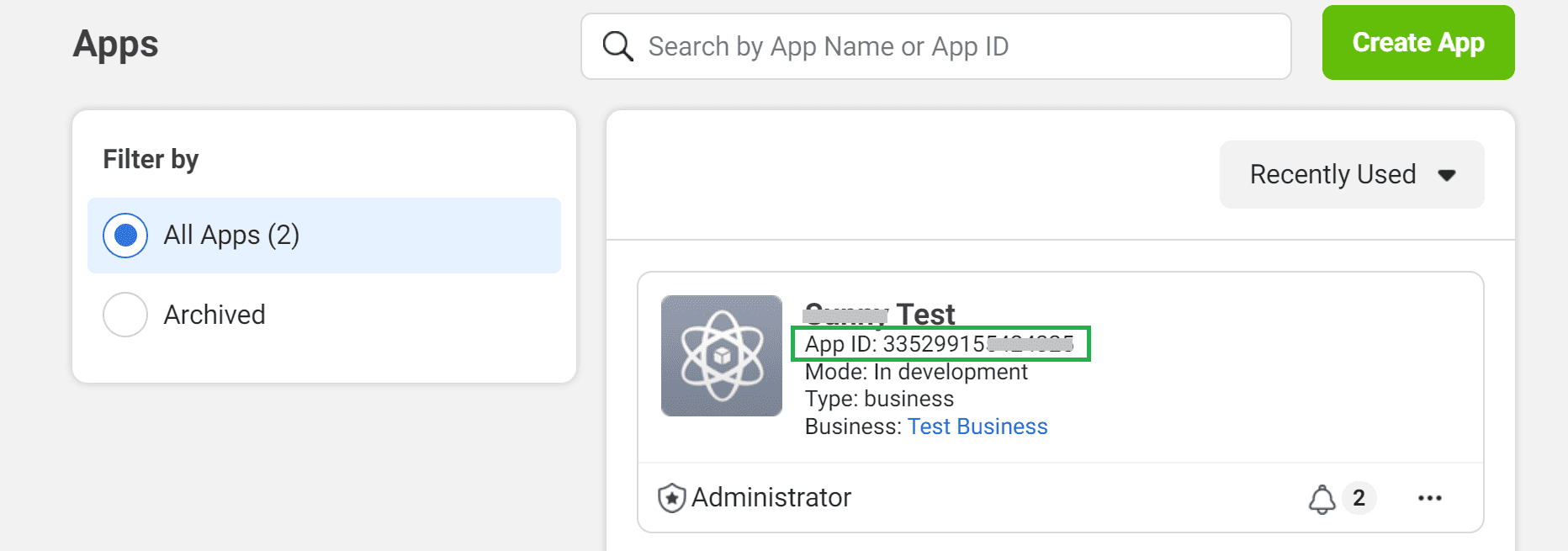
After you login, click on “My Apps” and you will come to your apps created.
Step 4:
Here, in your app created, there is “App Id”, just copy that and login to app.whatso.net
Step 5:
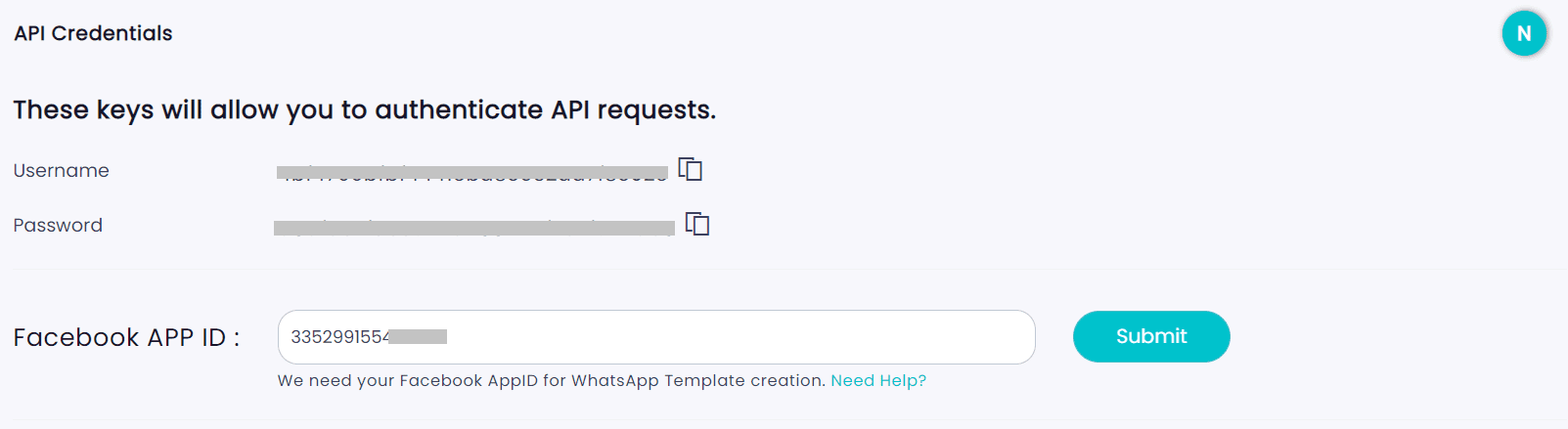
On whatso dashboard, click on “API Setup” on left hand side nav-bar, and there paste your “App id” in “Facebook App Id” textbox and click on “Submit”.